
Your documents say more about your business than you think. Your documents say more about your business than you think.
But good document graphic design does the opposite.
It makes your content clear, engaging, and easy to follow.
It builds trust with clients, employees, and stakeholders.
It ensures your message gets across the way you intended.
What Is Document Graphic Design and Why Does It Matter?
Document graphic design is more than just making things look nice.
It is about functionality, readability, and engagement.
When your documents are well-designed, people actually read them.
Bad design? People skim or ignore them entirely.
If your documents are packed with dense text, misaligned elements, and inconsistent fonts, it does not matter how good the content is—people will struggle to absorb the information.
How Bad Document Design Is Hurting Your Business
Poorly designed documents lead to:
- 📉 Lower Engagement – People lose interest fast when documents are hard to read.
- 🕒 Wasted Time – Employees and clients spend more time trying to understand confusing layouts.
- ❌ Missed Opportunities – A weak proposal design can cost you contracts and sales.
- 🤯 Information Overload – Dense, unstructured text makes people tune out.
Your business is putting in the effort to create documents, but if the design does not support the content, it is working against you.
What Good Document Graphic Design Looks Like
Great document design guides the reader and makes content easy to digest.
- 🎯 Clear Hierarchy – Headings, subheadings, and bullet points structure the content.
- 📄 Consistent Formatting – Fonts, spacing, and colors stay uniform across all pages.
- 📊 Visual Aids – Charts, infographics, and images support the message instead of overwhelming it.
- ✅ Readability Focus – Spacing, contrast, and alignment make text easier to read.
Good design makes documents look professional and function smoothly.
How to Improve Your Document Graphic Design
If your documents are not working for you, it is time to fix them.
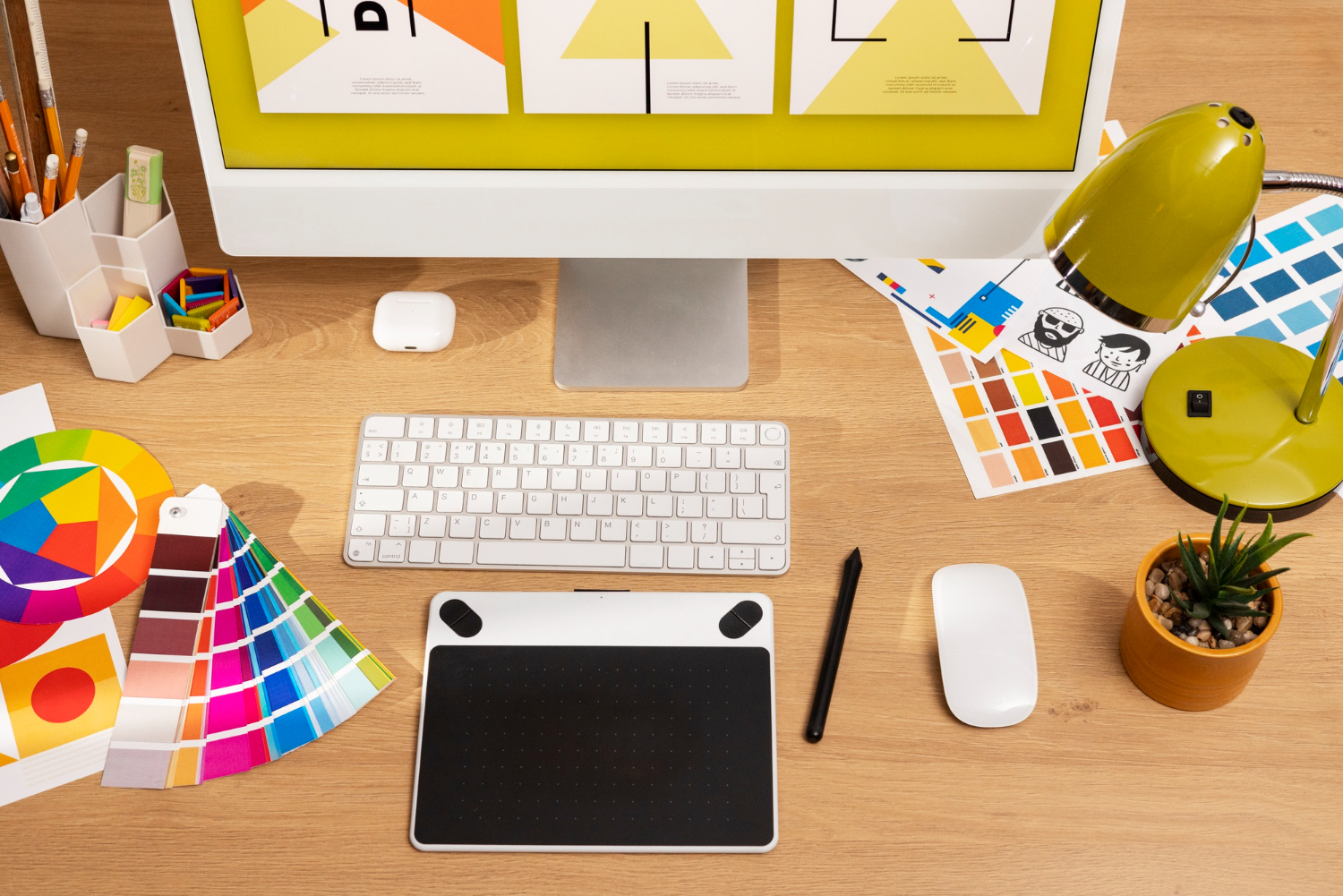
- 🖥 Use Professional Software – Tools like Adobe InDesign and Canva help create polished layouts.
- 🎨 Stick to a Brand Style Guide – Ensure all documents follow consistent branding.
- 🔍 Prioritise Readability Over Fancy Design – Keep things simple and functional.
- 📑 Work With a Document Graphic Designer – An expert can transform dull documents into powerful assets.
Final Thoughts
Every document your business creates is an opportunity to build trust, communicate clearly, and leave a lasting impression.
Investing in better document graphic design is not just about aesthetics—it is about making your content work for you.
If your documents are not engaging your audience, it is time for a redesign.
Are you ready to make your documents work smarter? 🚀