

🗺️ The Limits of Diagrams
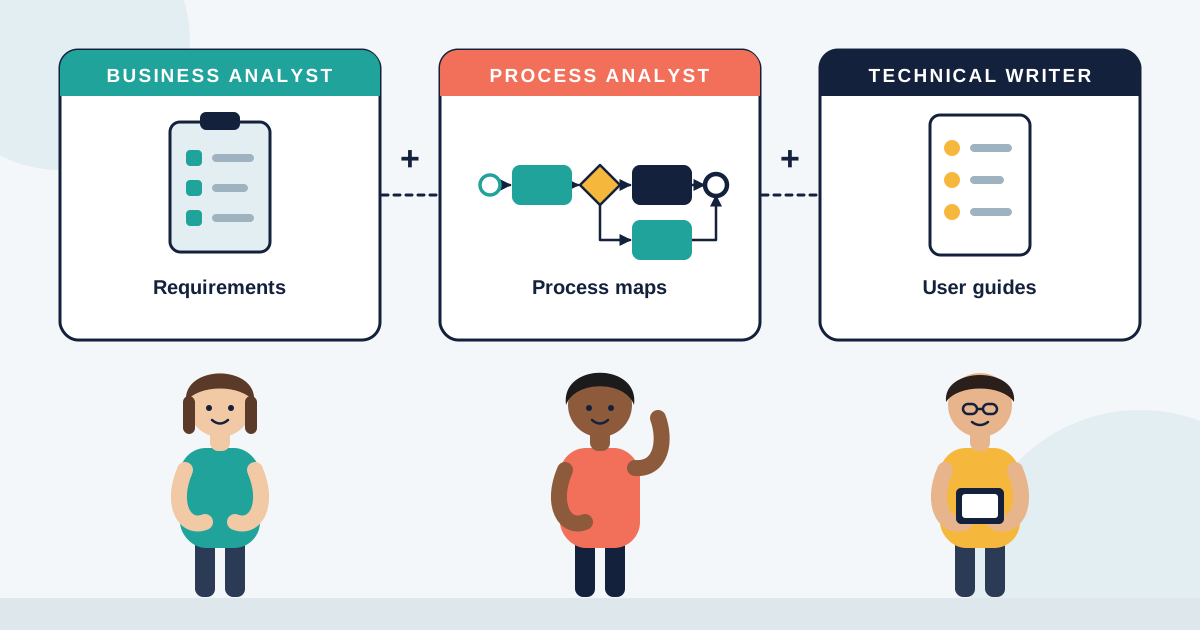
Process maps are valuable tools. They show workflows, dependencies, and bottlenecks in clean, visual ways. But diagrams have limits. They are static representations of dynamic realities. A perfectly drawn process map does not reveal frustration when a system times out, or the creative workarounds employees use when official steps do not work.
👥 Processes Are Human Experiences
Every process is lived by people. Employees bring context, habits, and emotions into how they interact with systems. A policy step on a flowchart may take 10 minutes on paper but could stretch to hours in practice due to approvals, outdated tools, or unclear responsibilities. Analysts who focus only on boxes and arrows risk missing the human reality that makes or breaks performance.
👂 The Analyst as a Listener
True insight comes from listening to the people who live inside processes every day. Asking “what slows you down?” often uncovers issues that a map never will. A frontline worker may reveal that a simple form requires three separate logins. A manager may explain how conflicting KPIs push teams to bypass official workflows. By capturing these stories, analysts go beyond documentation to diagnosis.
🔍 Context Over Abstraction
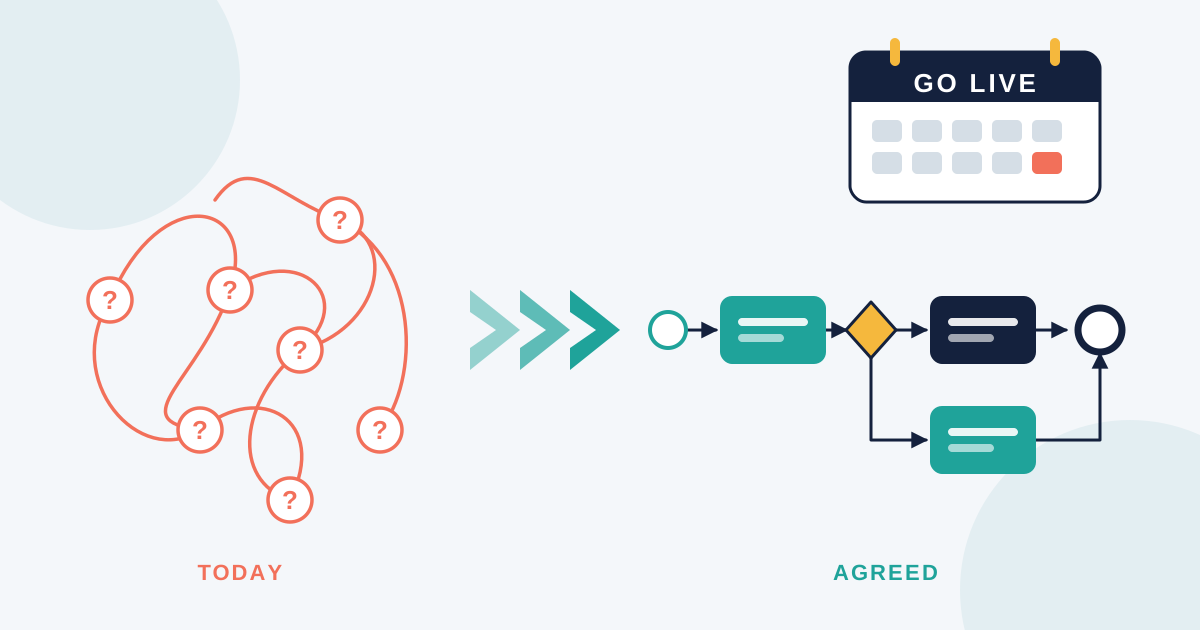
Process maps show what should happen. People show what actually happens. The gap between the two holds the key to improvement. Analysts add value by connecting these layers. When stakeholders see both the visual process and the lived reality, they understand why improvements matter. For example, a procurement flowchart may look efficient until employees explain that waiting for approvals delays customer deliveries. That story turns abstract inefficiency into urgent business risk.
🤝 Building Trust Through Empathy
Processes improve when people trust the changes. Trust grows when employees feel heard. Analysts who empathize, acknowledge frustrations, and bring those voices into recommendations build stronger buy-in. Instead of “we changed the process,” the message becomes “we fixed what you told us was broken.” This shift makes adoption smoother and long-lasting.
🛠️ People First, Tools Second
Tools like process maps, workflow software, and automation are powerful. But they are only effective when they are built on real human understanding. The analyst’s role is not to replace people with diagrams but to amplify their voices through structured insights. The best solutions emerge when technical tools and human empathy work together.
🚀 Final Thoughts
Diagrams alone do not solve problems. People do. Business process analysts succeed when they see processes not just as workflows but as human journeys. By combining empathy, listening, and technical clarity, analysts ensure that process improvements stick. In the age of AI and automation, it is the human side of analysis that makes change possible.