
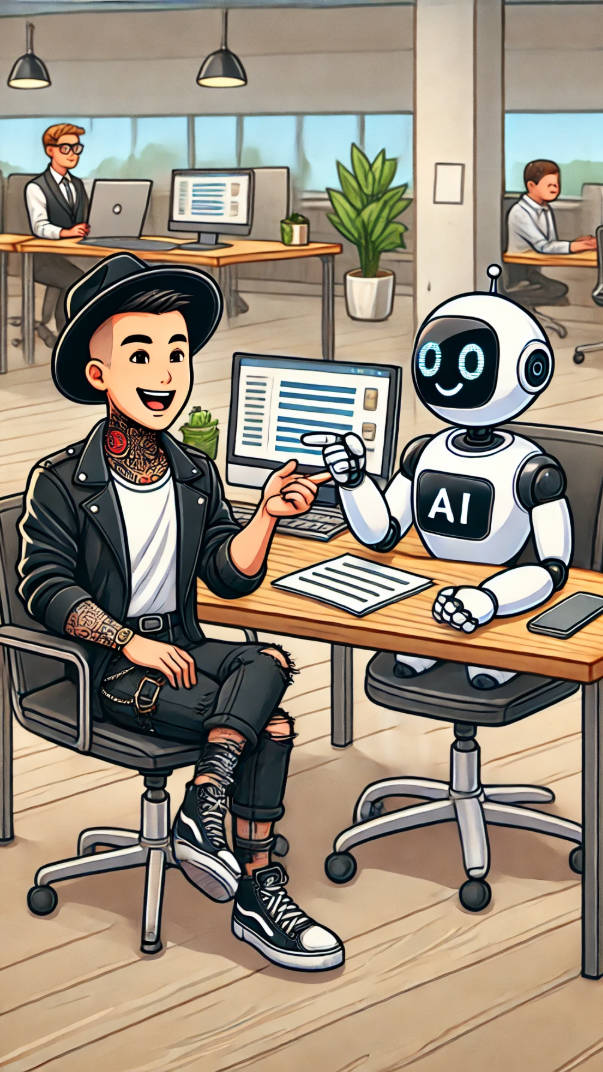
Most businesses waste hours manually mapping out their processes.
Whiteboards, sticky notes, and long meetings used to be the only way to figure out workflows.
Now, AI can generate process maps in seconds—saving time, reducing human error, and making documentation easier than ever.
But here’s the catch: if you use AI the wrong way, your process maps could be full of gaps and mistakes.
AI is not here to replace process experts—it is here to supercharge them.
Used correctly, AI and process mapping tools like Lucidchart can streamline workflows, create clear documentation, and help businesses work smarter.
But used the wrong way? It can create more confusion than clarity.
How AI Can Speed Up Process Mapping
Generative AI is getting smarter.
You can now feed AI a simple prompt—for example, “Generate a step-by-step hiring process for a company”—and it will instantly create a workflow.
Then, tools like Lucidchart and Microsoft Visio can take that AI-generated text and automatically build flowcharts.
No more dragging shapes onto a blank screen or figuring out where each decision point should go.
AI does the heavy lifting, so process experts can focus on fine-tuning instead of starting from scratch.
The Big Problem: AI Doesn’t Know Your Business
AI can generate process steps quickly, but it does not know your company’s exact workflows.
Every business is different.
AI can suggest a generic hiring process, but it won’t know that your company requires three approval steps or an extra compliance check.
If you take AI-generated process maps at face value without checking them, you could end up with gaps, missing steps, or workflows that don’t match reality.
That is why AI should support process mapping, not replace human input.
How to Use AI for Process Mapping the Right Way
To get the best results, treat AI as a tool—not the final answer.
Here is how to use it effectively:
✔ Start with a Clear Prompt
AI is only as good as the instructions it gets.
Instead of just saying, “Create a hiring process,” give it details:
“Generate a step-by-step hiring process for a tech company with a four-stage interview process, background checks, and approval from HR.”
The more specific you are, the better the output will be.
✔ Review and Adjust the AI-Generated Process
AI-generated workflows should never be accepted without review.
Make sure the steps match your actual business processes.
Check for gaps, missing approvals, unnecessary steps, and compliance risks.
✔ Use Lucidchart or Other Mapping Tools to Visualise the Process
Once you have a solid process outline, use Lucidchart, Microsoft Visio, or another tool to create a clear visual representation.
AI-generated text can be converted into flowcharts, but you still need to tweak the layout, add labels, and refine the connections.
✔ Get Input from Stakeholders
AI can generate a process, but humans have to validate it.
Make sure key people from operations, compliance, and leadership review the process map before using it.
✔ Keep AI in the Loop for Updates
Processes change over time.
Instead of starting from scratch, use AI to update your documentation as things evolve.
If a company changes its hiring process, AI can help revise the workflow faster than manual updates.
Why AI Is a Game-Changer—If You Use It Right
Done properly, AI-driven process mapping can save businesses hours of manual work.
It speeds up documentation, reduces human error, and makes processes easier to follow.
But businesses that blindly trust AI-generated workflows without checking them risk making critical mistakes.
AI is a tool—not a replacement for process expertise.
By combining AI efficiency with human judgment, businesses can create smarter, more effective workflows—without wasting time on manual mapping.
The question is: are you using AI to make process mapping better, or are you letting AI create more confusion? 🚀