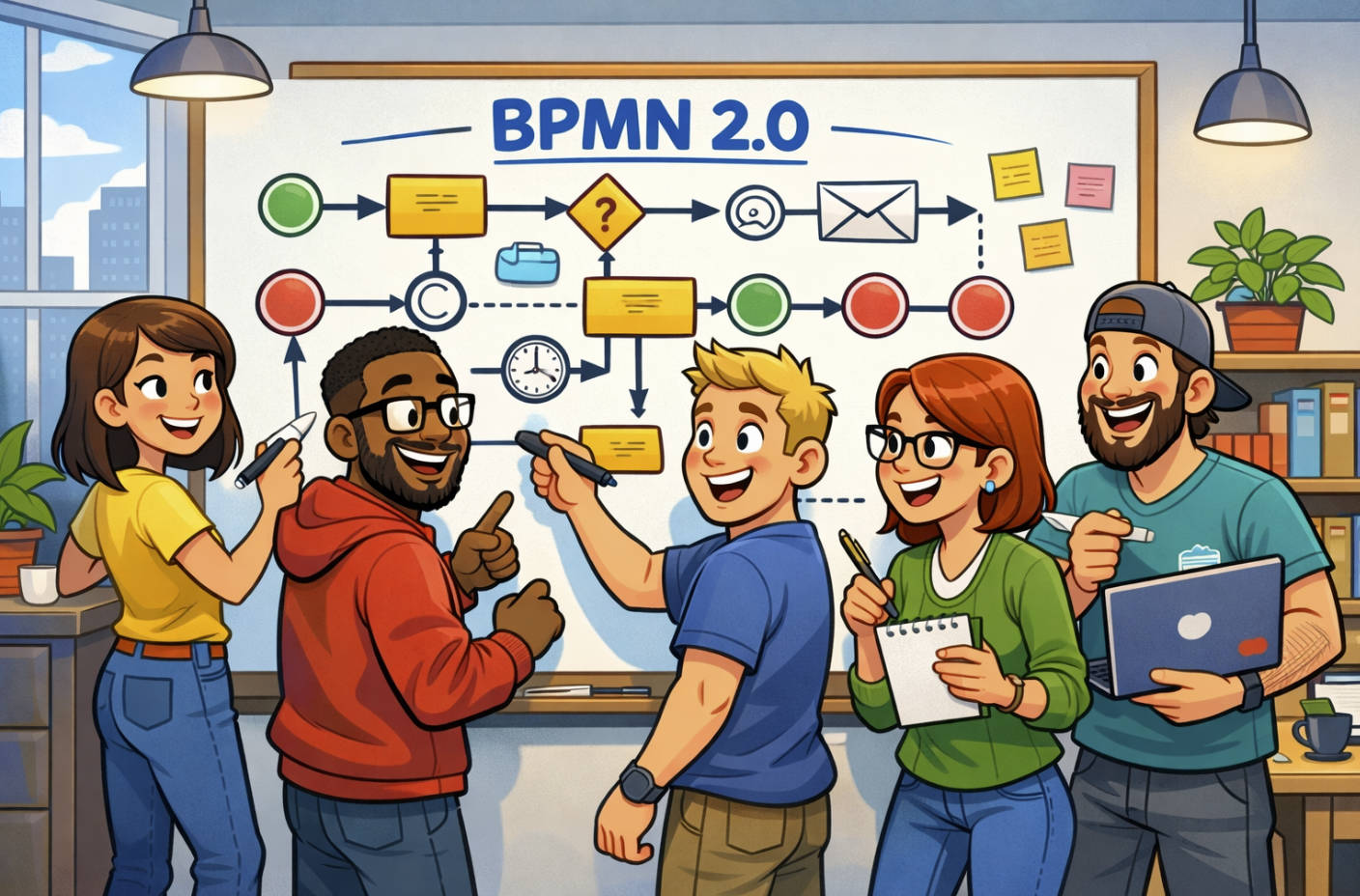

If your business is looking to improve how it works, future-state process mapping isn’t just helpful—it’s essential.
It’s how you move from where you are now to where you should be.
It helps you spot inefficiencies, simplify tasks and see where automation makes sense.
But most people don’t realise that good future-state mapping starts with one thing.
Stakeholder engagement.
🚶♂️ Start With Where You Are
Before you build the future, you’ve got to understand the present.
That’s where “as-is” mapping comes in.
Sit with the people who actually do the work.
Ask them to walk you through a task or process.
Capture the steps, pain points, handovers and delays.
This is how you build trust, and how people feel heard.
It’s not just about flowcharts—it’s about listening.
🤝 Bring Stakeholders Into the Process Early
You can’t design a better process in isolation.
You’ve got to get people in the room—or on the call.
This means:
- Team leads
- System users
- Admin staff
- Support roles
- Managers
Ask them what works and what doesn’t.
Ask them what slows them down.
Ask them what they wish they could automate.
Every one of these answers is a clue.
📌 Identify Opportunities for Improvement
Once you’ve mapped the current state and gathered feedback, the real work starts.
Start looking at:
- Steps that add no value
- Manual tasks that could be automated
- Bottlenecks between roles or teams
- Repeated data entry
- Workarounds or spreadsheets outside the system
This is where future-state mapping shines.
It’s not just removing steps—it’s about rethinking the flow.
Maybe instead of approvals being emailed manually, a workflow can automate it.
Maybe instead of five forms, there’s one integrated one.
Maybe the same data shouldn’t be entered twice.
📈 What a Future-State Map Looks Like
The future-state map doesn’t show everything in perfect detail.
It shows how work should happen under better conditions.
It’s cleaner.
Smarter.
Aligned to system changes.
And much easier to train people on.
Use swimlanes or flowchart styles—whatever your team understands best.
Make sure to mark any future automations clearly.
Show which steps disappear, which change, and which are handled by tools.
🦾 Where to Automate
Once you’ve got the new flow designed, look for:
- Repetitive tasks (data entry, reporting)
- Manual approvals
- Notifications and alerts
- Document routing
- Basic form validations
These are ideal for automation tools like Power Automate, Zapier, or in-house systems.
Just remember—automate after you simplify.
Don’t lock in a broken process with code.
🧪 Test Before You Commit
Before rolling out the new process, run simulations.
Use real scenarios and ask frontline staff to walk through the map.
Ask:
- Does it make sense?
- Is it faster?
- Is anything missing?
- Is anything unnecessary?
Make final tweaks based on real-world feedback.
This stops you from pushing changes that only work on paper.
💬 Keep Communicating Through the Process
People are more likely to support change when they’re part of it.
Keep stakeholders in the loop at every stage.
Show the as-is, then the proposed to-be.
Ask for feedback, questions, and suggestions.
Process improvement is a team sport—not a solo mission.
📣 Share the Before and After
Once the new process is live, communicate the impact.
Use visuals.
Show the “before” map.
Then show the “after” map.
Explain what changed, what’s improved, and how it affects daily work.
This builds buy-in across other teams and sets you up for future changes.
🧩 Document the Future State Properly
Don’t stop at mapping.
Document:
- Roles and responsibilities
- What systems are used
- Exceptions or variations
- Metrics or KPIs to track
- Training notes or scripts
This turns your map into a living document.
Something people can refer to later.
And something new staff can use to get up to speed faster.
🧭 Tie Future-State Mapping to Strategy
Every future-state process should link to a bigger goal.
It might be:
- Reducing turnaround times
- Improving customer experience
- Reducing manual errors
- Lowering operating costs
- Preparing for a new system
Always link your changes to business outcomes.
It shows leadership that this work isn’t just operational—it’s strategic.
✅ Summary
Future-state mapping isn’t about drawing the perfect process.
It’s about:
- Engaging stakeholders
- Understanding pain points
- Removing friction
- Finding where to automate
- Designing smarter ways to work
It’s how you go from “this is how we’ve always done it” to “this is how we work better now.”
And if you’re doing digital transformation, it’s non-negotiable.