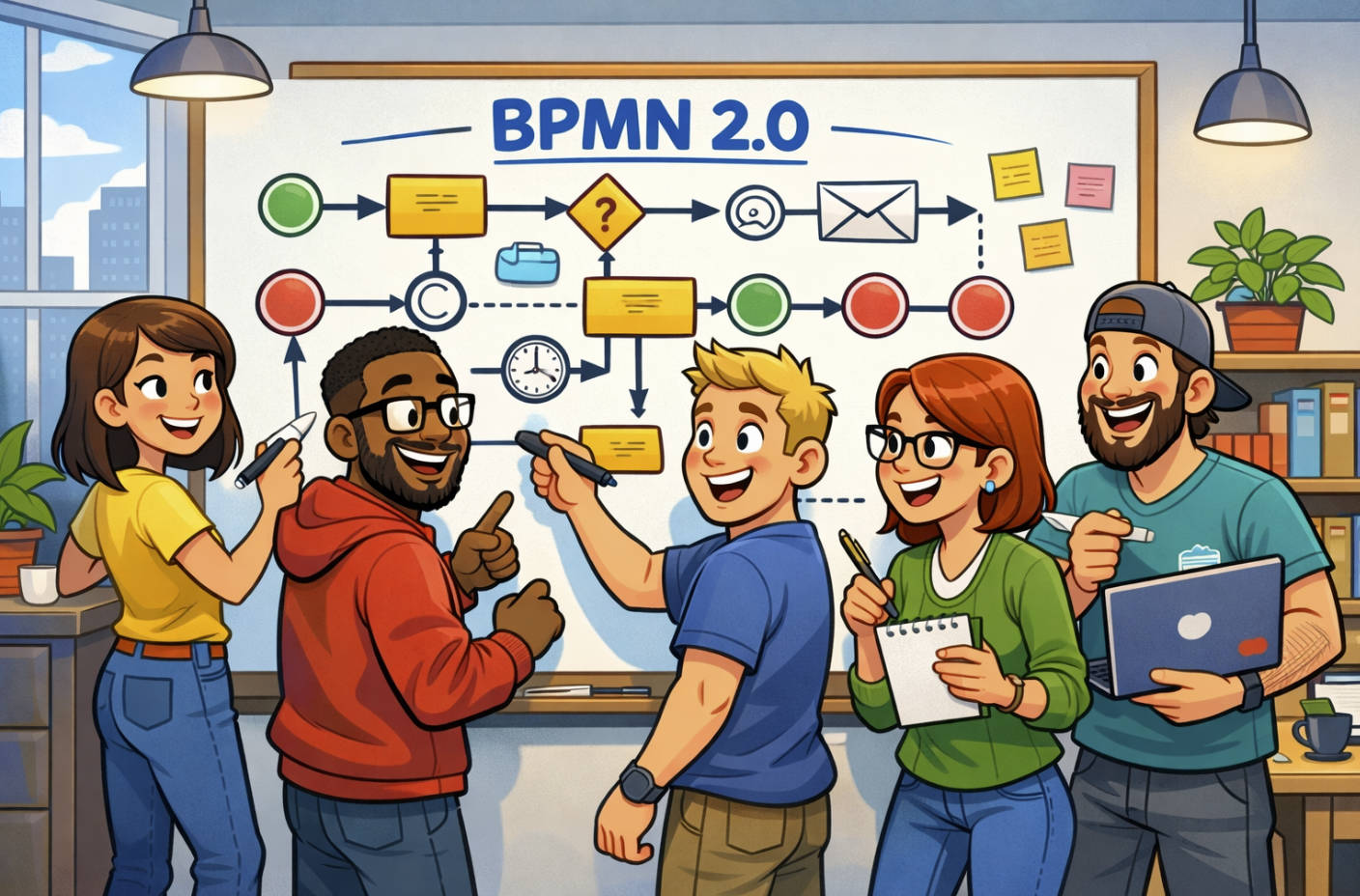

Business analysts and process analysts need more than just Word and Excel these days.
Our roles have expanded—digital transformation, AI integration, and cross-functional collaboration mean we need smarter tools to do better work, faster.
After 18+ years in the field, here’s my shortlist of tools that help me work smarter, map clearer, and keep projects on track in 2025.
📝 1. Microsoft Word (with Copilot)
Still essential.
But now with Copilot, I can draft BRDs, SOPs, and requirements docs faster.
It helps with structure, grammar, and even summarising interviews into draft documentation.
💬 2. Microsoft Teams
I use it for running workshops, quick stand-ups, and project updates.
With AI-powered meeting summaries and real-time collaboration, Teams is now more than just chat.
📊 3. Microsoft Lists
Great for tracking requirements, risks, or SOP status.
I use it as a live register that integrates with SharePoint and Teams for a single source of truth.
📁 4. SharePoint Online
Still my go-to for documentation repositories.
Whether it’s storing process maps, SOPs, or BRDs—it’s secure, searchable, and easy to version control.
🧩 5. Lucidchart
Clean, professional diagrams without the steep learning curve of Visio.
Perfect for process mapping, swimlanes, and stakeholder visuals.
🧠 6. Miro
My go-to whiteboarding tool.
Great for workshops, mapping ideas live, and visualising processes collaboratively.
Clients love the visual output—and it’s easy to export and reuse.
🧾 7. Jira
Critical for Agile projects.
I use Jira to manage user stories, track sprint progress, and link back to requirements.
Paired with Confluence, it creates an Agile documentation ecosystem.
📚 8. Confluence
For collaborative documentation, especially on tech-heavy projects.
Easy to link to Jira issues, store decisions, and run live page updates with version history.
🧮 9. Excel (Still!)
For matrices, comparison tables, gap analyses, traceability logs—it still does the job.
Simple, flexible, and fast.
🤖 10. ChatGPT
My sidekick for:
- Generating requirement templates
- Drafting user stories
- Reviewing SOPs
- Creating workshop questions
It saves time, sparks ideas, and helps structure early thinking.
🧪 11. FigJam
Increasingly used by product teams.
FigJam is great for quick UX flows, journey mapping, or lightweight process diagrams with a visual twist.
Perfect when working closely with design teams.
📌 12. Trello or Planner
For quick visual task boards, I still use Trello or Microsoft Planner.
It keeps everyone aligned on short-term actions and sprint goals without overcomplicating things.
💡 Final Thoughts
The BA role is more digital than ever.
We don’t just gather requirements—we lead workshops, guide processes, support UX, and document every step.
Having the right toolkit isn’t about using more tools.
It’s about using the right ones at the right time.
In 2025, that means:
- AI where it helps
- Visuals where they add clarity
- Collaboration tools that reduce silos
Every tool on this list has helped me deliver faster, communicate better, and stay ahead of the curve.