
Digital transformation is a big deal for businesses. It often involves updating systems, adopting new technologies, and rethinking how things are done to improve efficiency. But there’s one step that’s often overlooked during these projects, and that’s process mapping.
Process mapping is a simple yet powerful way to visualise how work gets done in your business. It helps you see what’s working, what’s not, and where things can be improved.
When it comes to digital transformation, process mapping is critical. It gives you a clear view of your current workflows, making it easier to spot inefficiencies. Without it, you’re making changes without fully understanding how your business operates today.
What Is Process Mapping?
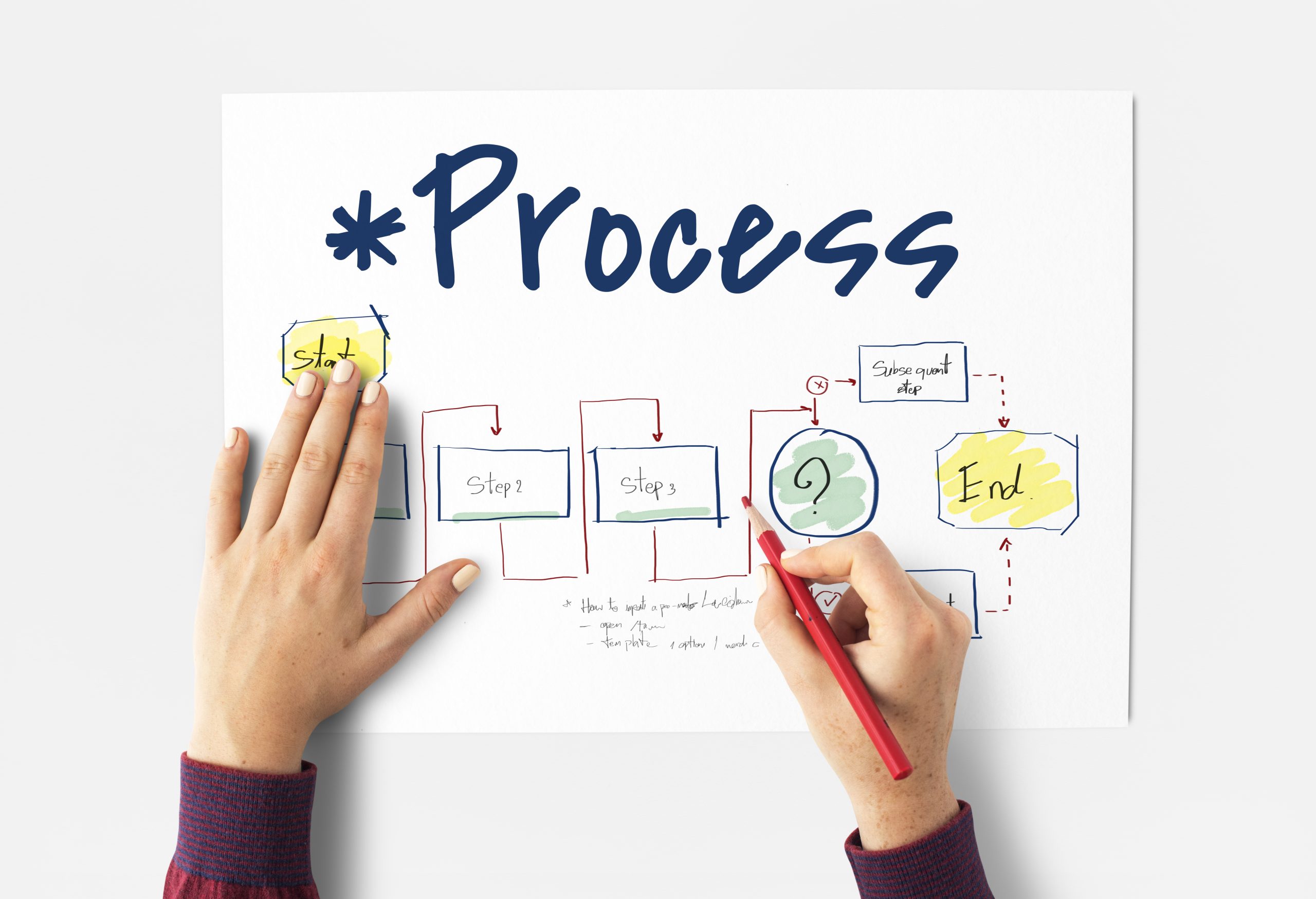
Process mapping is the act of creating a visual representation of a process. This could be as simple as a flowchart or as detailed as a comprehensive diagram showing every step, decision point, and interaction in a workflow.
The goal is to make the process easy to understand, not just for the people doing the work but for anyone involved in improving it.
When done right, a process map acts as a guide. It shows how tasks flow from start to finish, who’s responsible for what, and where bottlenecks or inefficiencies might occur.
Why Process Mapping Matters for Digital Transformation
Digital transformation is all about changing the way your business operates. But before you can design new workflows or implement new technologies, you need to know how things are working now.
That’s where process mapping comes in.
It gives you a clear picture of your current workflows. This is often called the “as-is” state. Without this understanding, you’re making changes blindly, which can lead to more problems down the line.
Spotting Inefficiencies
One of the biggest benefits of process mapping is that it highlights inefficiencies.
You might find areas where tasks are duplicated, where communication breaks down, or where manual processes slow things down.
For example, you might discover that your customer support team spends hours each week manually updating spreadsheets because their tools don’t integrate properly.
Once you’ve identified these inefficiencies, you can address them as part of your digital transformation project.
Designing Future-State Workflows
After mapping out your current processes, you can start designing your “future-state” workflows.
These are the workflows you want to have in place after your digital transformation project is complete.
By comparing the current state to the future state, you can see exactly what changes need to be made.
This might involve streamlining processes, automating repetitive tasks, or adopting new tools that make work easier.
Better Communication and Collaboration
Process mapping isn’t just a tool for identifying inefficiencies. It’s also a great way to bring teams together during a digital transformation project.
When you map out processes, you’re involving people from different parts of the business.
Everyone gets a say in how things work and where improvements can be made.
This collaboration helps ensure that the changes you’re making will actually work for the people who have to follow the new workflows.
It also makes it easier to explain the “why” behind the changes, which can help get everyone on board.
Avoiding Costly Mistakes
Without a clear understanding of your processes, digital transformation projects can go off track.
For example, you might invest in a new system that doesn’t solve the problems you’re trying to fix because you didn’t fully understand the root causes.
Or you might automate a process without realising it’s inefficient in the first place.
Process mapping helps you avoid these mistakes by giving you a solid foundation to build from.
How to Start Process Mapping
Starting with process mapping doesn’t have to be complicated.
Begin with one workflow. Focus on something simple but important, like how invoices are approved or how customer requests are handled.
Get the right people involved. This includes anyone who works on or interacts with the process.
Use simple tools like pen and paper or flowchart software. The goal isn’t to create a perfect map but to capture the key steps and details.
Once you’ve created your first map, review it with your team to make sure it’s accurate. From there, you can move on to mapping other processes.
The Bottom Line
Process mapping is a critical step in any digital transformation project.
It helps you understand your current workflows, spot inefficiencies, and design better future-state workflows.
By involving your team in the process, you’re setting yourself up for success and making it easier to implement changes that actually work.
If you’re starting a digital transformation project, don’t skip this step. It’s a small investment of time that can save you a lot of headaches down the track.
Process mapping isn’t just a task. It’s a way to make sure your business runs smoother, works smarter, and gets the most out of new technologies.