
🚀 Lessons I Learned Writing BRDs for a Project That Didn’t Go as Planned
🧠 The Project That Taught Me the Most
Not every project ends in success.
Some fall short.
But as a business analyst, those are the ones that teach you the most.
I was brought into a digital transformation project for a state-run utilities provider.
The goal was to digitise and streamline customer service requests.
Think: from paper forms and manual entry to a modern, self-service portal integrated with backend systems.
On the surface, everything was clear.
But the BRDs I was writing didn’t land.
And the project started slipping.
Here’s what I learned.
📄 What Went Wrong with the Requirements
1. I Captured What They Said—Not What They Meant
In the early weeks, I sat with each business unit and asked what they needed.
They gave me a list.
I turned that into polished business requirements and structured BRDs.
But those lists were surface-level.
They were filled with wants, not needs.
The stakeholders didn’t know how the future system should work—because no one had mapped their real processes.
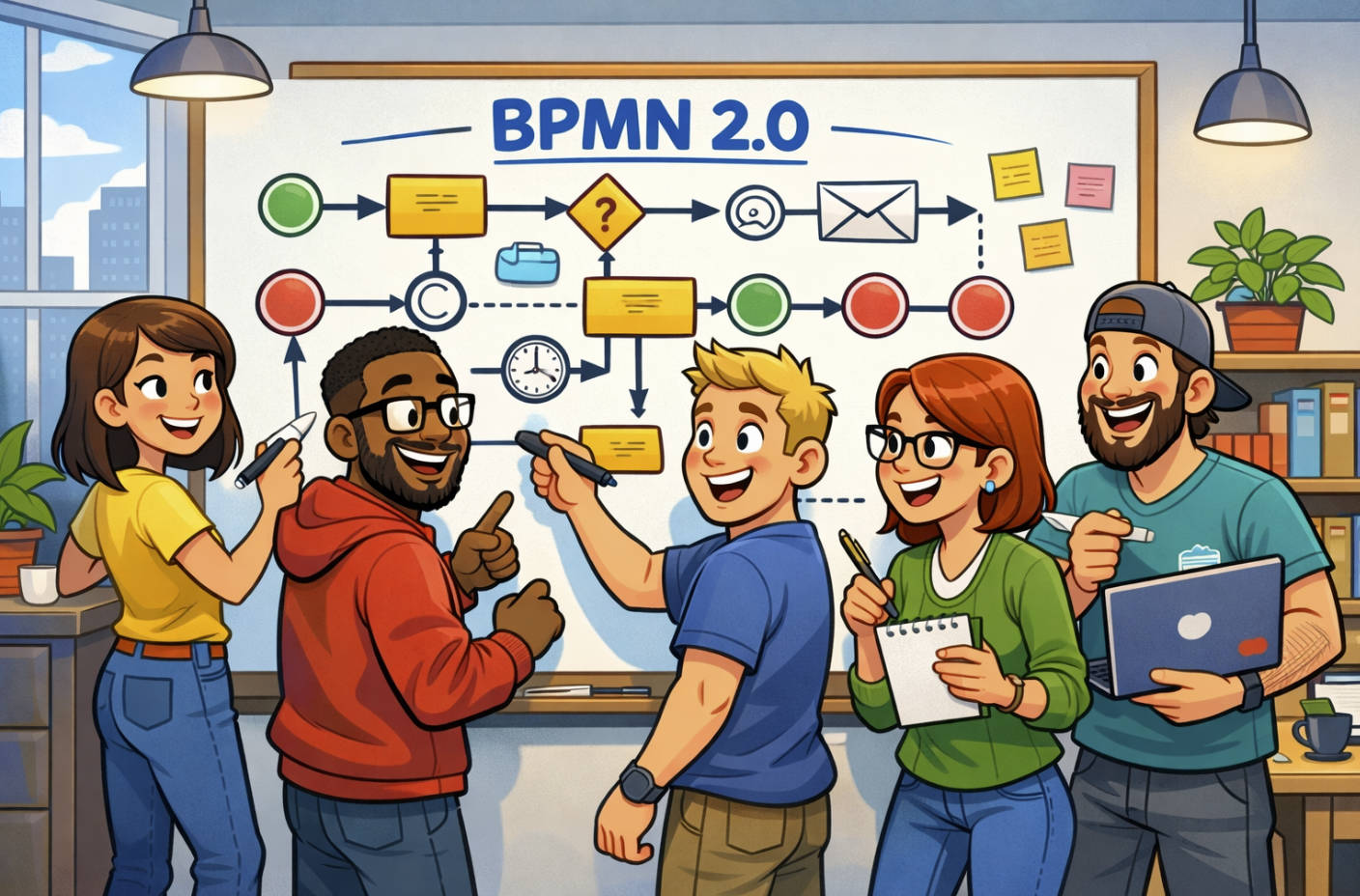
2. We Skipped As-Is Process Mapping
I should have started with process mapping.
Without seeing the end-to-end flow, we missed key pain points, handoffs, and exceptions.
The developers built features based on incomplete data.
The testers had no source of truth.
By the time we noticed, change requests had stacked up and the timeline was shot.
3. The BRD Was Treated Like a Checklist
Instead of using the BRD to guide meaningful design discussions, it became a document to sign and file.
That was a mistake.
A BRD should be a living artefact—reviewed, refined, and tied to process and UX flows.
In this case, no one really owned it.
So when requirements changed, we lost control.
🔄 What I’d Do Differently Now
✅ Start with Process Mapping
Before writing a single requirement, I’d run workshops to map the as-is process and walk through the real pain points.
This would expose hidden decision points and exceptions that directly affect what the system needs to do.
You can’t write meaningful requirements without seeing the current flow.
✅ Build To-Be Scenarios Alongside Requirements
As I map the future-state process, I now write user stories alongside each process step.
This links system functionality to business goals and builds traceability between design, build, and test.
✅ Keep the BRD Simple and Visual
In that project, the BRD was long and text-heavy.
Today, I rely more on:
- Tables
- Diagrams
- Swimlane flows
- Use case references
This helps stakeholders stay engaged and reduces misunderstanding.
✅ Validate with Real Scenarios
I now walk through each BRD section using real user scenarios.
“What happens if the customer enters the wrong info?”
“How do we handle failed submissions?”
This flushes out gaps early and ensures the BRD isn’t just theory.
💡 Final Thoughts
That project didn’t go to plan.
But it changed the way I write BRDs forever.
Now, every requirement I write is grounded in real processes.
I don’t just listen—I map.
I don’t just write—I walk people through it.
And I don’t treat the BRD as a document.
I treat it as a tool for alignment, clarity, and delivery.
Failures aren’t fun—but they’re valuable.
That one taught me how to do better.