

🛫 What Are AI Co-Pilots?
AI co-pilots are emerging tools designed to assist rather than replace professionals.
Microsoft’s Copilot for Office, GitHub Copilot for coding, and similar tools integrate AI directly into everyday workflows.
Instead of being stand-alone platforms, these copilots act as intelligent assistants that anticipate needs, suggest improvements, and automate repetitive tasks.
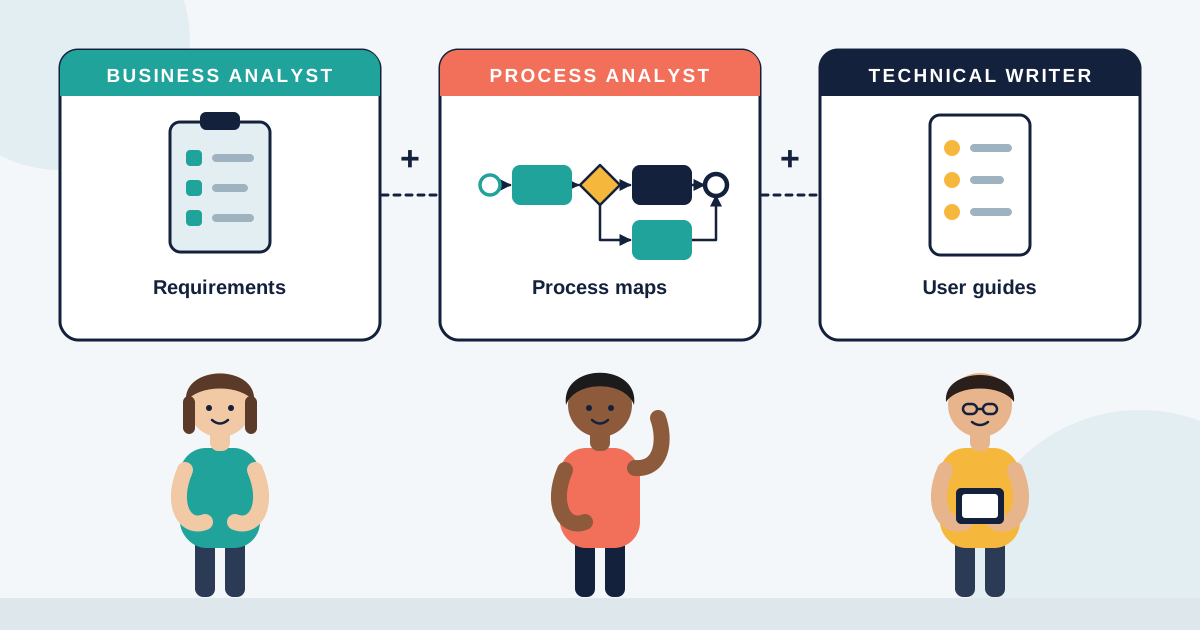
For analysts, they provide a new set of capabilities — from drafting reports to generating process maps in seconds.
The key point is that copilots don’t remove the analyst’s role; they expand it.
🤖 Why Co-Pilots Matter in Business Analysis
Business and process analysts spend a significant amount of time on documentation, research, and repetitive reporting.
Co-pilots can handle these tasks quickly, freeing analysts to focus on interpretation, stakeholder engagement, and strategy.
For example, a co-pilot can generate a draft requirements document based on meeting transcripts.
The analyst then reviews, edits, and ensures the context aligns with business goals.
This means less time on admin work and more time on adding value.
📊 Practical Benefits for Analysts
AI co-pilots bring tangible advantages to everyday work:
- Speed: Drafting process maps, workflows, or data summaries in minutes instead of hours.
- Consistency: Applying standard formats and templates across documents.
- Insight Support: Highlighting anomalies or trends in data for the analyst to review.
- Collaboration: Providing real-time suggestions during meetings or workshops.
Rather than fearing replacement, analysts can see copilots as accelerators for their expertise.
🧠 Human Judgment Remains Essential
Even with copilots, AI cannot replace human interpretation.
A generated process map may look complete but miss nuances about culture, compliance, or informal workarounds.
Stakeholders may still express requirements vaguely, which copilots cannot clarify.
Analysts bridge this gap by applying empathy, negotiation, and business understanding.
The co-pilot provides the draft, but the analyst ensures it is correct, relevant, and aligned with strategy.
🚀 The Future of the Analyst Role with Co-Pilots
As co-pilots become more advanced, the analyst’s role will shift further from documentation toward decision enablement.
Analysts will become curators of AI outputs — validating, refining, and contextualising machine suggestions.
This elevates their position as strategic advisors who bring together AI efficiency and human insight.
Those who embrace copilots will future-proof their careers, staying relevant in an AI-driven workplace.
🌍 Real-World Examples of Co-Pilots in Action
In software development, GitHub Copilot helps generate code snippets, but developers still guide design and architecture.
In business, Microsoft Copilot may summarise financial performance, but analysts interpret what it means for growth strategy.
In process analysis, copilots can create workflow diagrams, but analysts validate whether they reflect reality and stakeholder needs.
These examples show the partnership in action — AI generates, humans interpret.
💡 Final Thoughts
The rise of AI co-pilots signals a shift in how analysts work.
Instead of being replaced, they are being supported with tools that reduce manual work and enhance productivity.
The analyst’s value lies in what copilots cannot do — interpret context, manage stakeholders, and guide decisions.
Co-pilots provide the efficiency; analysts provide the meaning.
Together, they create a future of analysis that is faster, smarter, and more impactful.