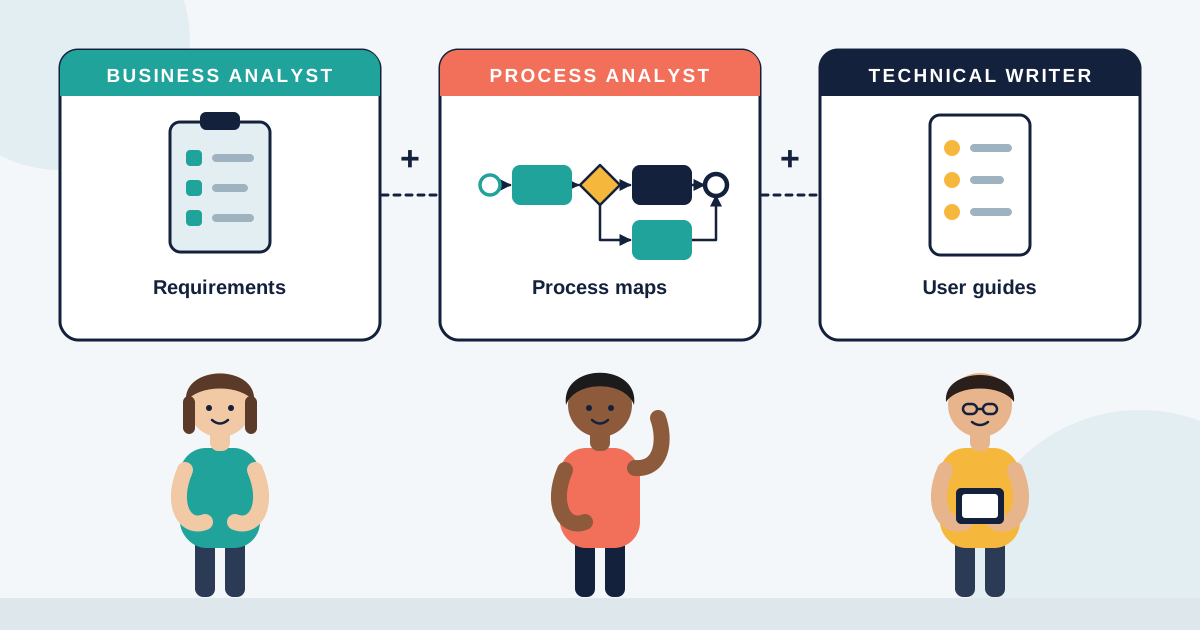


In digital transformation work, we often focus on what’s not working.
But sometimes, the real problem is what’s not there at all.
That’s where a Gap Analysis Document becomes one of the most valuable tools in a business analyst’s kit.
I used it recently on a government compliance transformation project—where moving to a new platform wasn’t just about better UX.
It was about reducing risk and closing exposure.
And until we knew what gaps existed between the old and future state, we couldn’t move forward safely.
🧠 What a Gap Analysis Document Actually Does
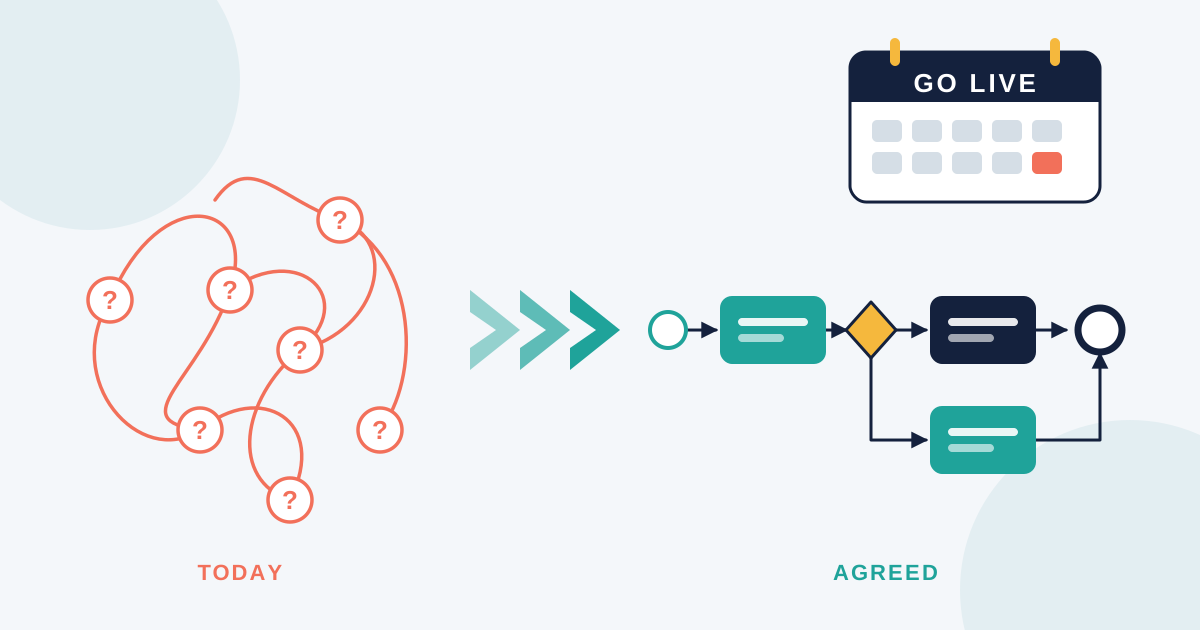
A Gap Analysis compares the current state (as-is) to the desired future state (to-be) and identifies what’s missing.
It helps you:
- Spot functionality the new system needs but doesn’t yet support
- Uncover process steps with no owner or system
- Identify training or documentation gaps
- Prevent silent risks from carrying over to the new environment
🛠️ What I Include in a Gap Analysis
1. As-Is State Summary
Brief outline of the current tools, people, and steps involved
2. To-Be State Overview
What the new process or system is expected to do
3. Gap Table
| Area | Current State | Future State | Gap | Action Needed |
|---|---|---|---|---|
| Email approvals | Manual via Outlook | Workflow in CRM | No tracking/audit | Build approval module |
4. Risk Rating or Impact Level
Helps stakeholders prioritise gaps
5. Ownership
Who’s responsible for addressing each item
This format keeps the focus on clarity and action—not just listing problems.
🔍 How I Use Process Mapping to Support It
To build the gap analysis, I rely on detailed as-is and to-be process maps.
These maps are my source of truth.
If I see a step in the as-is that’s missing in the to-be?
That’s a potential gap.
If the to-be shows automation but no system to support it yet?
Another gap.
I use tools like Miro or Visio to visualise these mismatches and walk stakeholders through the logic.
✅ The Outcome
Once documented, the gap list became a practical roadmap.
Each team knew what needed fixing, who owned it, and how critical it was.
The developers avoided rework.
The project manager stayed on track.
And leadership saw the value of strong analysis before jumping into build.