
There’s a lot of noise about AI in documentation work.
Some of it oversells what the tools do, some of it dismisses them entirely.
The reality sits in the middle, which is less interesting to write about, though more useful.
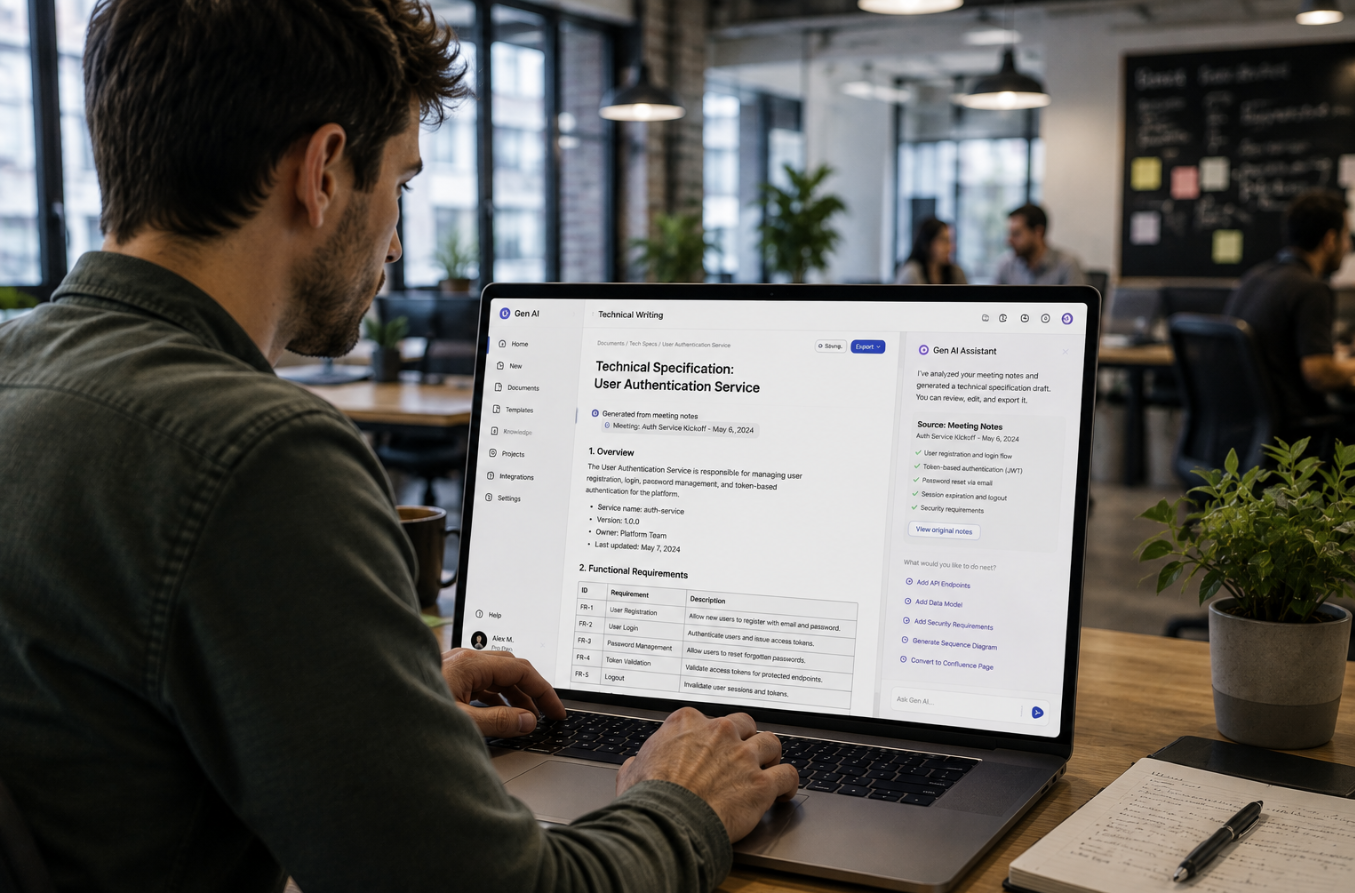
After a couple of years using these tools daily across rollouts, 4 things stand out as consistently worth it.
First drafts, summarising, research, then rewriting.
Everything else is either marginal or needs so much correction it’s faster to do yourself.
✍️ First drafts come out much faster
The blank page was always the expensive part.
Not because writing is hard, but because deciding on a structure while also writing prose splits your attention.
Now the structural draft takes a couple of minutes, so the real work starts from a rough shape rather than nothing.
What matters here is the prompt.
- Name the style guide, in my case usually the Microsoft Manual of Style for technical publications
- Describe the audience, including their technical level, what they already know
- Specify the document type, since a work instruction behaves differently to a reference guide
- Set voice, tense, normally second person present tense for procedures
- Give a length constraint, otherwise you’ll get 6 pages for a 3 step task
The output is never publishable.
It’s a starting point that removes the friction of beginning, which for most writers is where the day disappears.
I rewrite most of it anyway.
Rewriting something is considerably lighter work than producing it cold.
📚 Summarising large amounts of information
This is probably the biggest practical gain.
Documentation projects generate enormous volumes of raw input.
Meeting transcripts, old procedures, requirements documents, support ticket exports, system configuration notes.
Reading all of it properly used to take days.
Some of the ways summarising earns its keep.
- Turning a 50 minute SME recording into structured notes
- Pulling the process steps out of a long, meandering transcript
- Condensing 6 legacy procedures into a list of what’s actually different between them
- Extracting common themes from a year of support tickets
- Summarising a 40 page requirements document into what affects the documentation
The caution is that summaries lose exceptions.
Transcripts contain the edge cases, then the summary quietly drops them because they only came up once.
So I read summaries as a map of the material, not a replacement for it.
Anything that affects a procedure gets checked against the source.
🔍 Research moves faster
Technical writing involves more research than people expect.
Working out what a term means in this particular industry.
Checking how a standard is normally worded.
Understanding a system well enough to describe it accurately before an SME will give you their time.
That last one matters more than it sounds.
Turning up to an SME session already knowing roughly how the platform works changes the entire conversation.
You’re asking them to correct you rather than educate you, which takes 20 minutes instead of 90.
A few research tasks it handles well.
- Explaining an unfamiliar technical concept at the level you need it
- Comparing how 2 systems approach the same function
- Finding the standard terminology used in a particular industry
- Explaining what a piece of configuration or code is doing
Verification still applies, obviously.
Anything specific, a version number, a menu path, a field name, gets confirmed in the actual system before it goes anywhere near a document.
🔄 Rewriting complex text
This one gets overlooked, though it might be the most useful of the 4.
A lot of technical writing is translation.
An engineer sends you 3 paragraphs of accurate but impenetrable text.
A policy team hands you something legally precise, unreadable to anyone in a contact centre.
A vendor manual explains a feature in language only the vendor’s developers would recognise.
Rewriting that for a specific audience used to be slow work, mostly because you had to hold the meaning steady while changing everything around it.
Now the first pass is quick, so your effort goes into checking meaning survived the translation.
Some rewriting tasks worth using it for.
- Simplifying dense technical explanation for a general audience
- Converting passive, formal prose into direct instructions
- Turning a wall of text into numbered steps
- Shortening something that’s technically correct but 3 times too long
- Adjusting tone for a different reader without changing the facts
The risk is subtle here.
Simplification sometimes removes a qualifier that mattered.
So when I’ve rewritten anything with compliance or safety implications, the original author checks it, not just an SME.
⚖️ What still needs the writer
None of the above touches the parts that decide whether documentation works.
Knowing what to leave out.
Recognising that a 5 page procedure is telling you the interface is wrong.
Getting an honest answer from someone who’s already explained this to 2 other projects.
Deciding where a document lives so people can find it when they’re under pressure.
Judging whether a screenshot helps or just dates the document.
Those are experience, not output.
✅ How it fits together
The pattern is fairly consistent across all 4.
The tool handles volume, structure, first passes.
The writer handles accuracy, judgement, everything to do with the reader.
That split works well, provided you don’t let the speed tempt you into skipping verification.
Fast drafts are only valuable if somebody experienced still reads every line before it goes out.
About the author
Aiver Ilaya is an IT consultant based in Melbourne. For 19 years he’s worked on enterprise digital transformation programs. His experience spans ITSM, HRIS, ERP, CRM, POS, KMS and EDRMS platforms, plus workflow automation. He has worked across government, healthcare, science and medical research, finance, education, telecommunications, infrastructure, aviation, construction and property, technology, retail, logistics, pharmacy, insurance and professional services.
His work covers business analysis, process optimisation, technical writing, knowledge management and UI / UX design. He has worked on multi-million dollar programs running years at a time, for national organisations and global firms, reaching millions of end users.
He has run his own consultancy for 12 years and works with a small number of clients at a time. Available for remote and hybrid contracts.
alisodigital.com