
Go live day usually feels like the finish line.
The launch email goes out.
The project team takes a breath.
Then the tickets start.
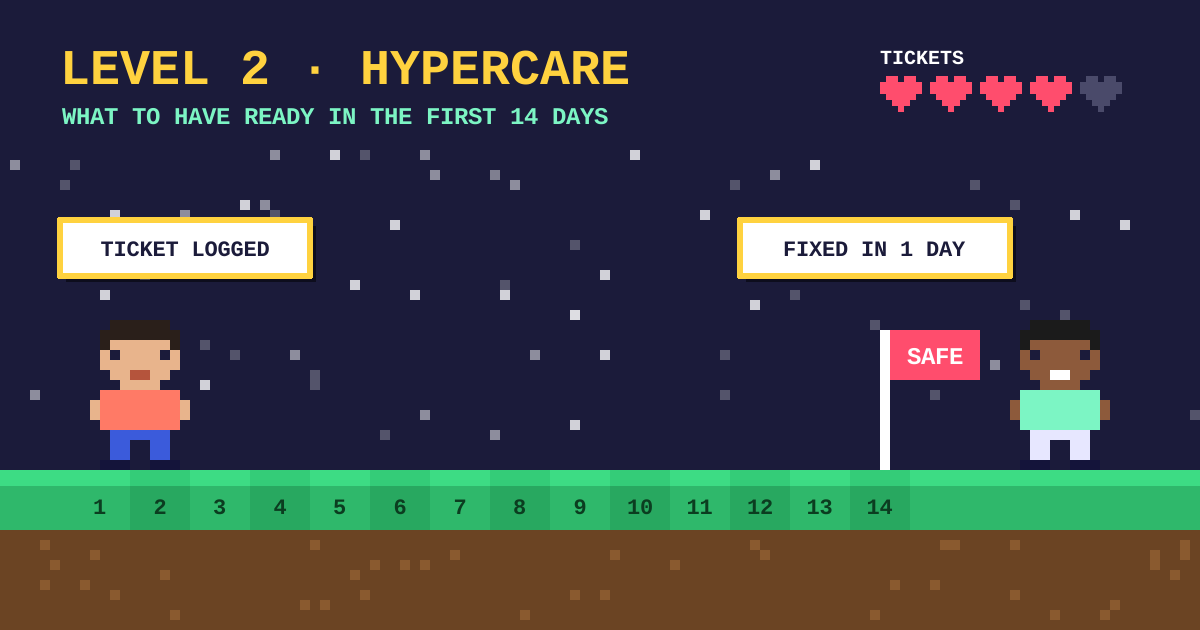
The first 2 weeks after go live are where a rollout either settles in or starts to slip.
That period has a name.
It’s called hypercare.
Most teams plan for go live, then wing the 14 days that follow.
🩺 What hypercare actually is
Hypercare is extra support straight after a system goes live.
It’s short, focused, plus a bit more hands on than normal support.
The goal is simple.
Fix problems fast, so people don’t drift back to the old way.
If someone’s first experience with the new system is a confusing error and a slow reply, that sticks.
First impressions are hard to undo.
⚠️ Why it often goes wrong
The project team has usually moved on.
The budget has been spent.
The helpdesk hasn’t seen the new system before.
So a user rings in, gets passed around, then gives up.
They open a spreadsheet instead.
Nobody notices until months later.
✅ 6 things to have ready before go live
- One person who triages. Every issue lands with them first, then goes to the right fixer.
- A one page quick reference per role. Not a 60 page manual. Just the 5 tasks people do most.
- A known issues list. Write down the problems you already expect, plus the workaround for each.
- Floor walkers or champions. People who sit near the users, plus can answer small questions in 30 seconds.
- A daily 15 minute check in. Review new tickets, decide what to fix today, then share a short update.
- A simple way to log feedback. One form or one inbox, so nothing gets lost in chat.
You don’t need all of these to be fancy.
You just need them to exist before day 1.
📝 Write the fixes down as you go
Every fix in the first 14 days is a lesson.
If it only lives in someone’s head, you’ll solve the same problem again in March.
Keep a running log.
What broke, why, plus what fixed it.
Then turn the top 10 into updates to the guides.
🗺️ Use the process map
If your team has a map of how the work should flow, hypercare is much easier.
When something goes wrong, you can point at the step.
Without a map, you’re arguing about what the process is.
I use BPMN 2.0 for this.
It gives IT, the business, plus the vendor one picture to look at.
📊 What to track
Keep it small.
- Tickets per day, plus how many are repeats.
- Time to first reply.
- Tasks finished in the system compared with tasks finished in spreadsheets.
- The top 3 questions people ask.
If the same question appears 5 times, that’s a guide problem, not a user problem.
🔚 Know when hypercare ends
Set the end date before you start.
Day 14 works for many teams, though some need 30.
Agree what “done” looks like, for example fewer than 5 new tickets a day for 3 days in a row.
Then hand over to normal support with the known issues list, the updated guides, plus the log.
That’s what turns a rollout into business as usual.
📞 Want a hand with go live?
If you’ve got a go live coming, I can help you get ready.
I write the quick reference guides, map the process, plus set up a simple hypercare plan your team can run.
Start with a free 30 minute call.
No pitch, no pressure.
Start a project here https://alisodigital.com/start-a-project/
Aiver Ilaya is the founder of Aliso Digital, a Melbourne IT consultancy. Clients call me at the difficult point. The system is coming, nobody agrees on how the work is done today, and go live is close.